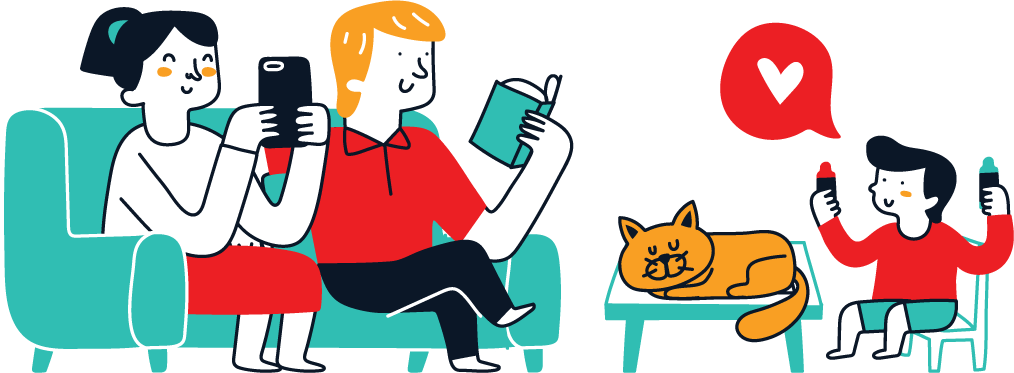



Digital Parenting Africa is not about banning technology or monitoring children every second. It is about helping young people gain the judgment, habits and confidence to use connected devices safely while preserving trust at home.
African families navigate very different levels of connectivity, device sharing, school technology and social media access. The principles below are designed to work whether a child has a personal smartphone, shares a family device or uses the internet mainly for school.
Digital Parenting Africa: 10 smart safety habits
1. Make online safety an ongoing conversation
One dramatic “internet danger” lecture is easy to forget. Talk regularly about what children watch, play, create and share. Ask curious questions instead of beginning with accusation. Children are more likely to tell you when something goes wrong if they expect help before punishment.
2. Agree on family rules before problems happen
Define where devices sleep at night, which apps require permission, when screens pause for meals or study, and what kinds of personal information stay private. Revisit rules as children mature. A 7-year-old and a 16-year-old should not have identical boundaries.
3. Configure privacy and security together
UNICEF’s online safety guidance recommends keeping software updated and configuring privacy settings to reduce unnecessary data exposure. Teach children to use strong unique passwords, enable appropriate security features and avoid sharing addresses, school routines or other sensitive details publicly.
4. Teach children how manipulation works
Scams, fake giveaways, impersonation, misleading influencers and sensational misinformation are designed to trigger emotion. Pause together and ask: Who created this? What do they want me to do? What evidence supports the claim? Can I verify it somewhere trustworthy? Digital literacy is a safety skill.
5. Create a cyberbullying response plan
Tell children in advance that online cruelty is not their fault and that they can come to you. Depending on the situation, useful actions may include saving evidence, blocking or reporting an account, tightening privacy settings, involving the school, and seeking professional or law-enforcement support when threats or exploitation are involved. UNICEF advises age-appropriate conversations and trusted-adult support.
6. Protect children from inappropriate contact
Children should know that someone online may not be who they claim to be. Set age-appropriate boundaries around private messages, gaming chats, live streams and meeting online contacts. Make it a family rule that requests for sexual images, secrecy, money or offline meetings are brought to a trusted adult immediately.
7. Manage screen habits by purpose, not just minutes
Video calling grandparents, doing homework, creating music and endlessly scrolling short videos are all “screen time” but they are not identical experiences. Look at sleep, physical activity, school responsibilities, family interaction, mood and the quality of content. Boundaries should protect a balanced life rather than treating every minute on a device as equally harmful.
8. Introduce AI with verification habits
Generative AI can help brainstorm or explain ideas, but it can also produce false information confidently. Teach children not to share sensitive personal data with AI services, to check important claims against reliable sources and to follow school rules on AI-assisted work. Our STEM Education Africa guide explains how to pair AI access with real problem-solving skills.
9. Model the behaviour you request
If adults interrupt every meal for notifications, overshare children’s private moments or use phones while someone is speaking, children notice. UNICEF specifically encourages parents to model healthy online habits. Consider asking a child’s permission before posting identifiable photos as they become old enough to have a view.
10. Keep the door open when mistakes happen
A child may click a bad link, send something they regret or encounter disturbing content. The first response should stabilize the situation: make sure they are safe, listen, preserve relevant evidence and decide on next steps. Consequences can still exist, but panic or humiliation can teach children to hide future problems.
A practical family digital-safety checklist
- Update devices and apps.
- Review privacy and location settings.
- Use strong passwords and appropriate account security.
- Agree on device routines and app permissions.
- Identify trusted adults a child can contact.
- Explain scams, cyberbullying and inappropriate requests.
- Review rules as the child grows.
Why this matters in Africa
Connectivity is expanding, but child-safety resources and digital-literacy support are uneven. UNICEF Nigeria’s Protecting Children in the Digital World resource addresses screen habits, digital privacy, online content and cyberbullying. The lesson scales beyond one country: children need both access and guidance.
Frequently asked questions
Should parents read every message?
There is no single rule for every age or risk level. Supervision should be age-appropriate and proportionate, with increasing privacy as children demonstrate maturity unless a specific safety concern changes the balance.
What should I do if my child is cyberbullied?
Listen without blame, save relevant evidence, use platform blocking/reporting tools, involve appropriate school or professional support, and escalate credible threats or exploitation to relevant authorities.
Are parental controls enough?
No. Controls can reduce some risks, but they cannot replace conversation, judgment and a trusting relationship.
How should families handle AI?
Set clear rules for privacy, verification and schoolwork. Encourage children to use AI as a tool while retaining responsibility for their own thinking.
Digital safety works best as part of broader parenting. Read the African Parenting Guide for practical habits that strengthen communication, boundaries and confidence offline too.